samsung/HL-T5087SA/red-LED-failure
Samsung HL-T5087SA Rear Projection DLP Red LED failure
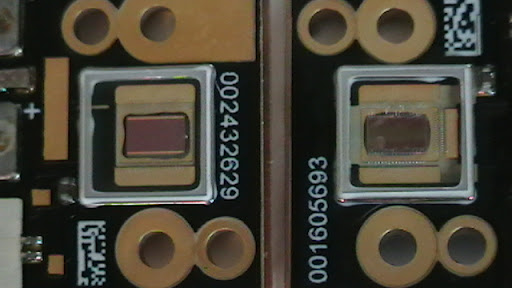
Problem
My son and I were watching television recently and the picture went out. I power cycled the unit and noticed the red portion of the color was gone. I knew this was an indication of a hardware failure because the menus and settings were also affected.
I called Samsung and they claimed my TV only had a 1 year warranty, I've had my set for 15 months. (Oddly I remember the salesman claiming that the light engine should last 20K hours).
I did some research and found a trend with this type of failure. Samsung runs the red LED out of spec to get a more crisp image.
Why do I assume this? Only the red LED has its own fan.
Solution
I decided to purchase the part and repair my TV myself.
Samsung HL-T5087SA Red LED Part number BP07-00029A
Photos with captions of the repair
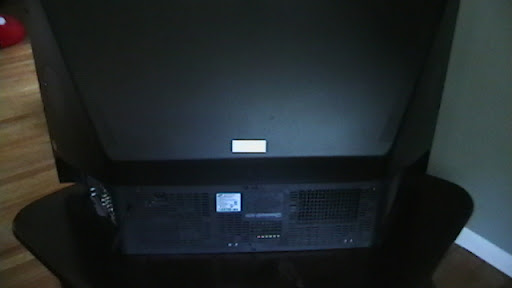
This is the back of the TV.

Example of broken greenish blue hue image

Another example of a broken RED LED
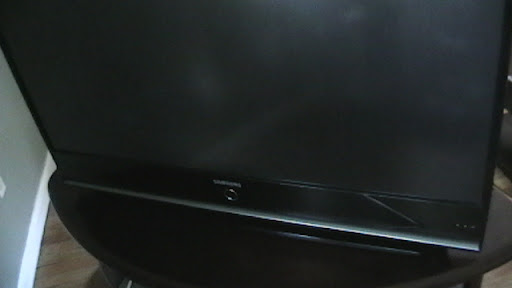
This is the front of the TV.
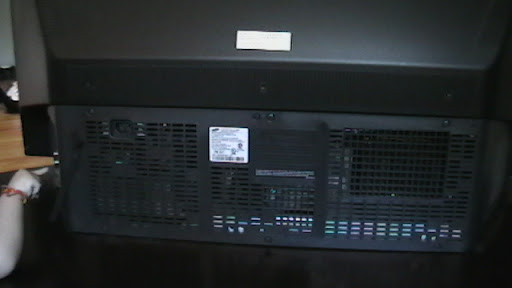
Remove the screws that hold the bottom back plate on.
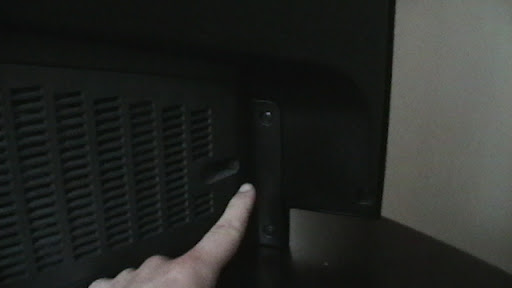
The screws look like that
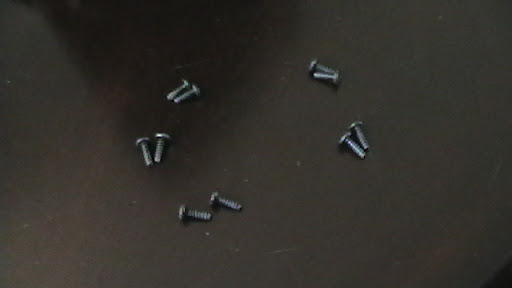
There are ten screws that hold the bottom back plate on.
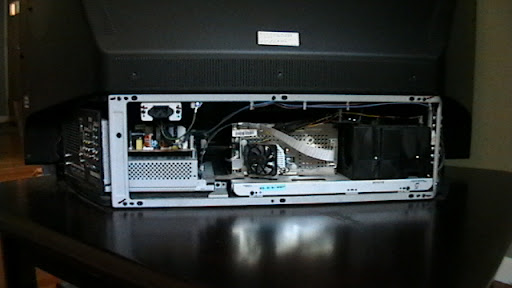
Now you can see inside the TV.
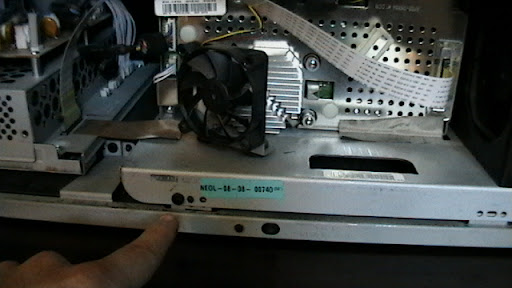
You need to remove the light engine. It slides out if you unscrew here ...
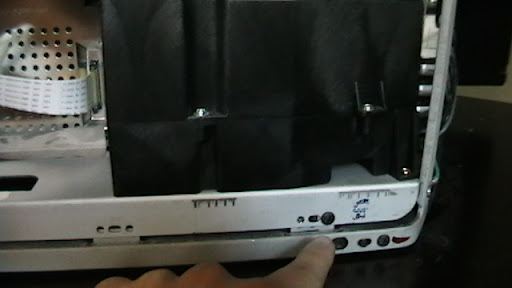
And here ...
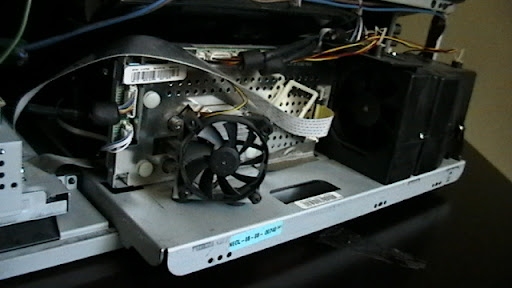
See, I pulled it out about 4 inches, but some of the wiring is still connected ...
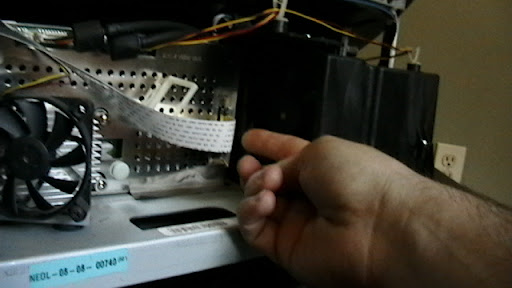
You need to unplug this cable.
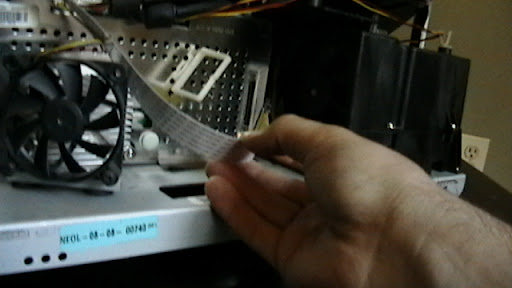
I make it look easy.
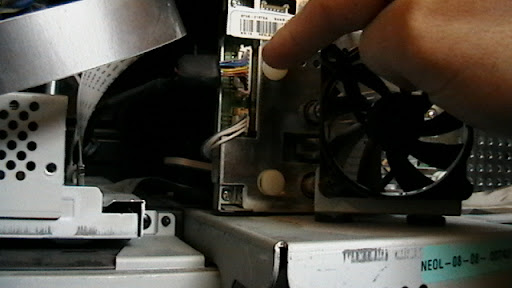
Also, unplug this cable.
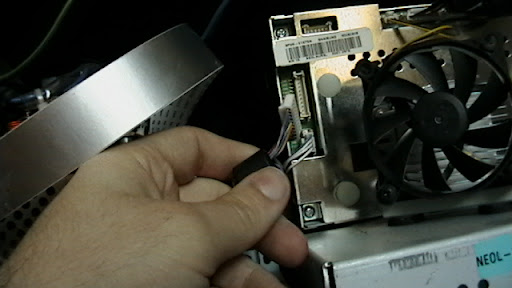
Unplug with a gentle hand.
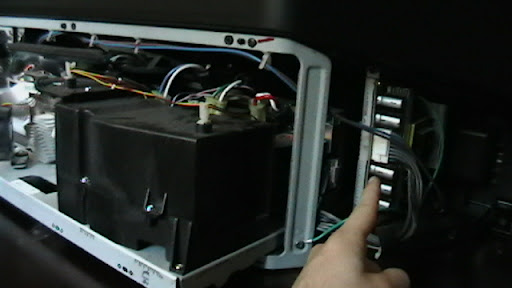
One more! ...
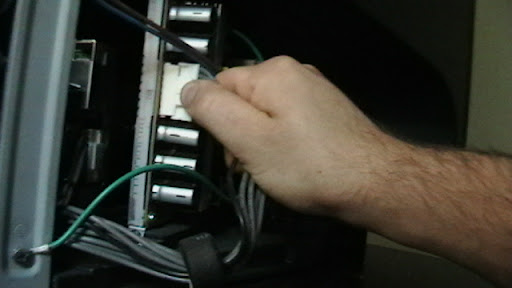
Grab and ...
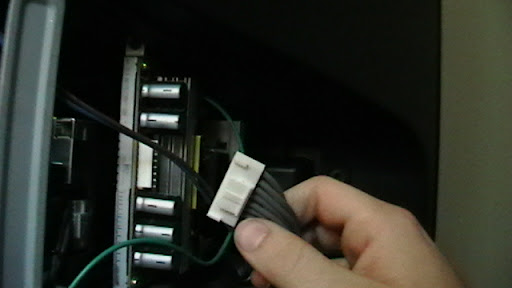
Pull!
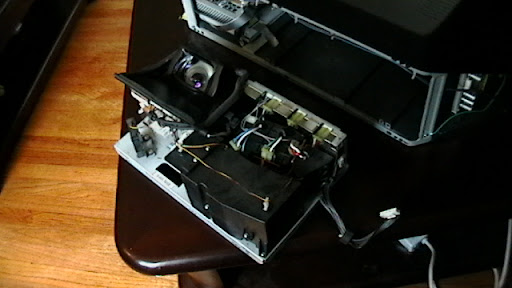
Yay, now you should be able to slowly slide out the light engine, be careful, this is the most expensive part!
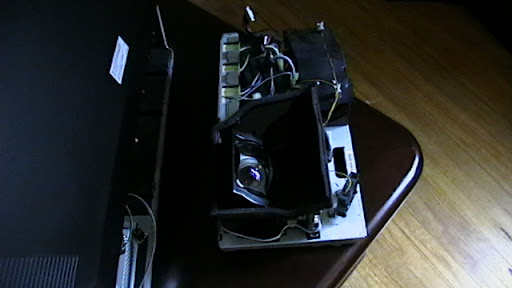
Another view at the light engine.
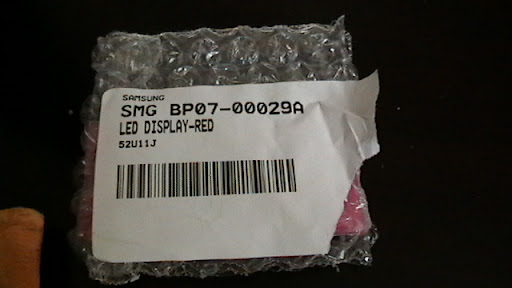
This is the part number that failed.
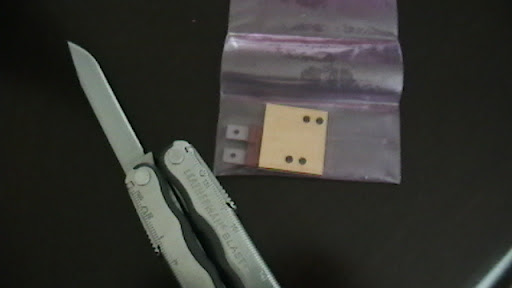
This is the new tiny red LED.
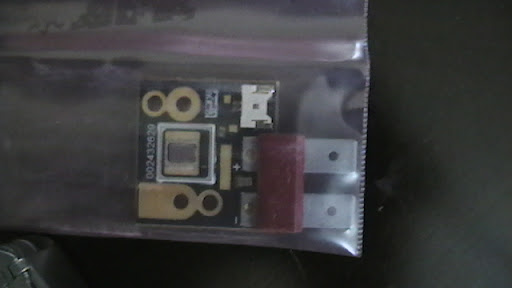
$100 part that caused all my issues.
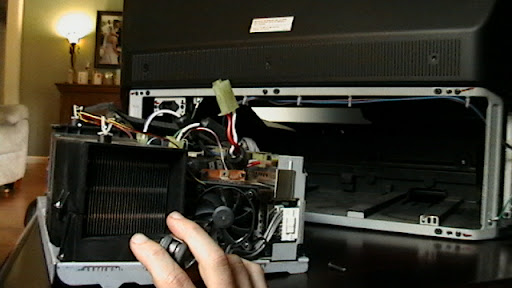
To access the red LED you must remove the 80mm fan on the right of the light engine block.
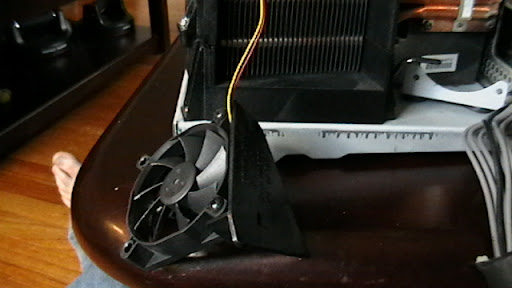
Remove the bottom two screws.
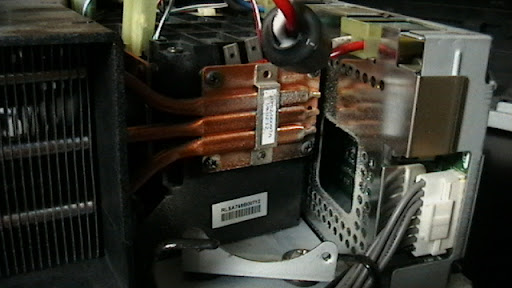
And there is the red LED's heat sink
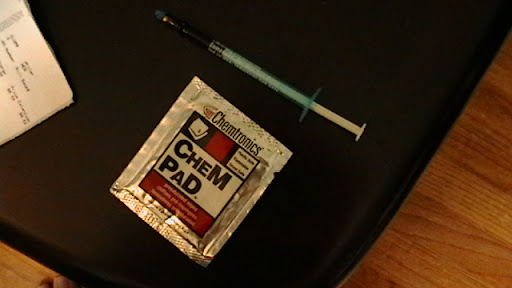
We are going to need to clean up the heat sink and reapply thermal paste on the new LED.
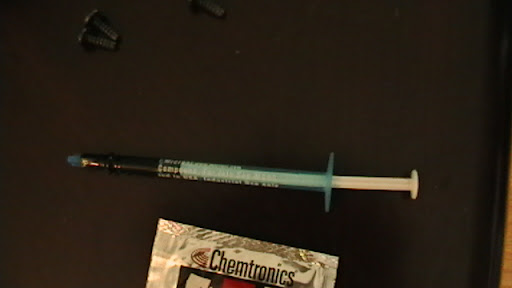
I don't do heroin ... That is thermal paste silly!
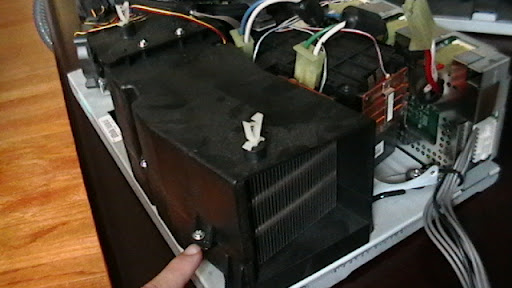
Before we can work on the LED we need to remove the heat sync shield... Remove that screw ...
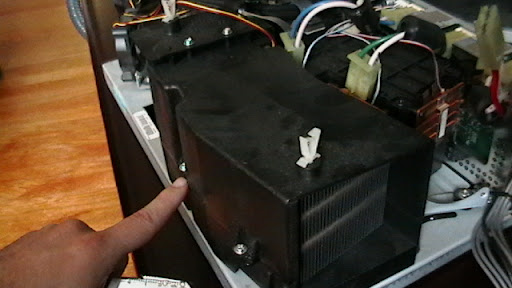
And that screw ...
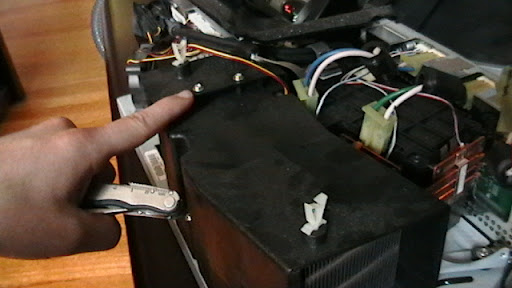
And those screws ...
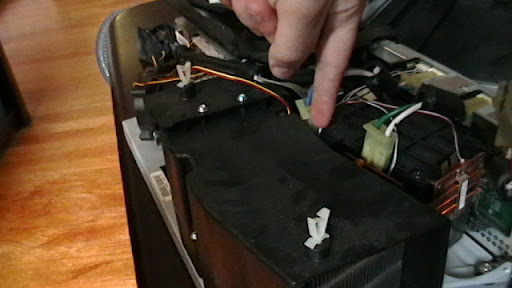
And both of those screws !
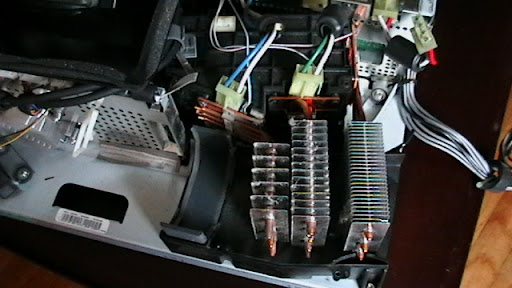
Now the shield should slowly slide off!
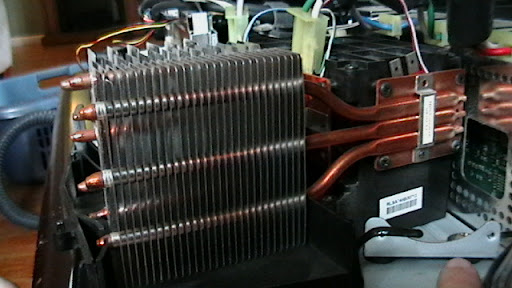
That is a better view of the red heat sink.
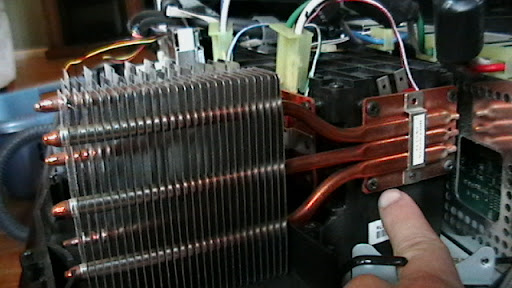
You need to remove the 4 screws holding it down.
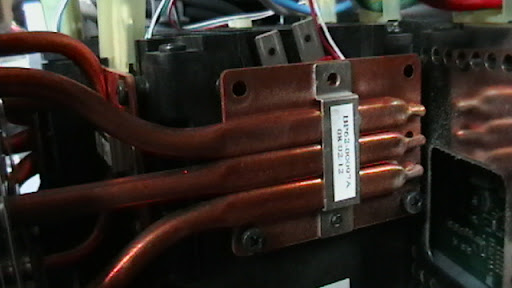
Closeup of the heat sink
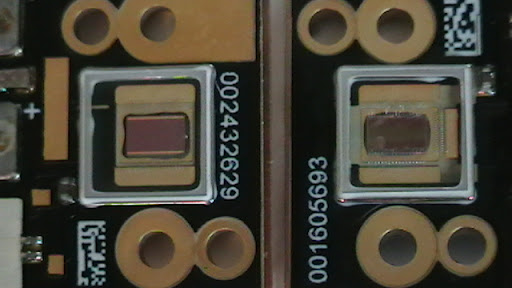
The LED to the the right was overheated and burnt out... $100 part.
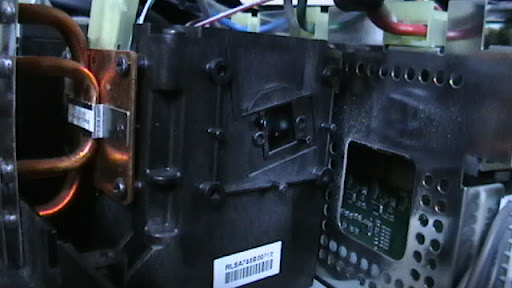
Empty LED "port".
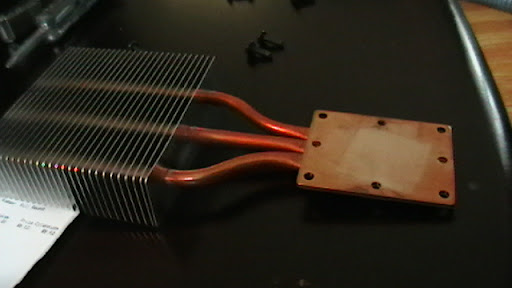
Make sure you clean off the old thermal paste and gingerly apply some new stuff!
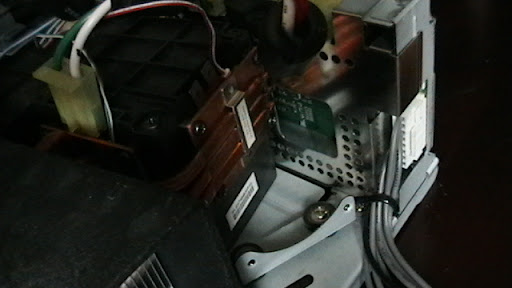
Place the LED and heat sink back together
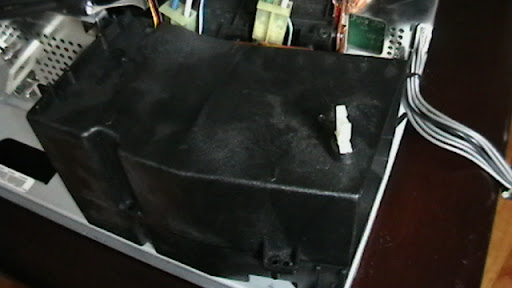
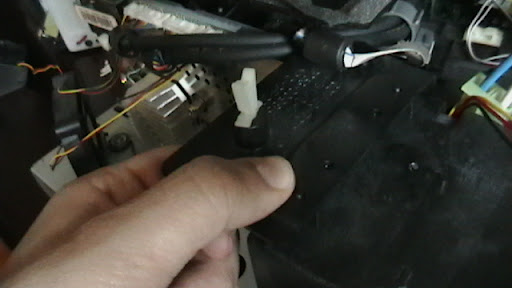
Put the heat sink shield back on.
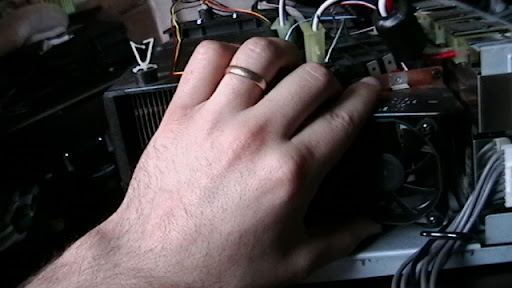
Re-install the 80mm red LED fan.
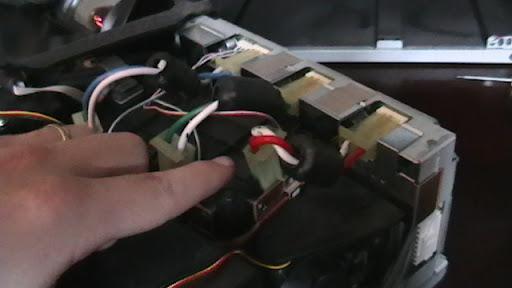
Plug the two LED wires back into the LED board.
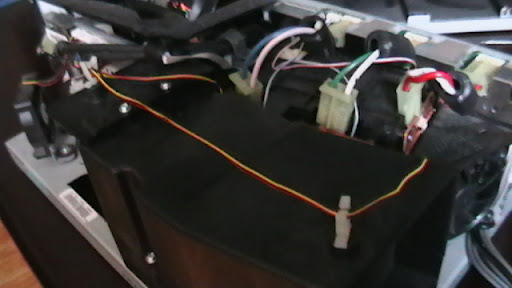
Tidy up the wires, use the cable management!
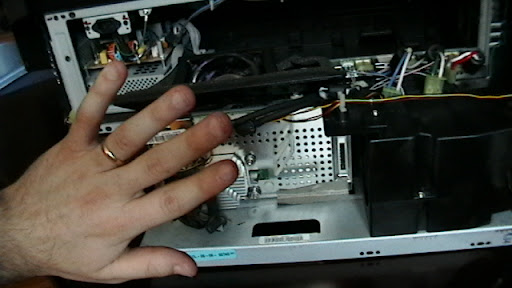
Bye- ...
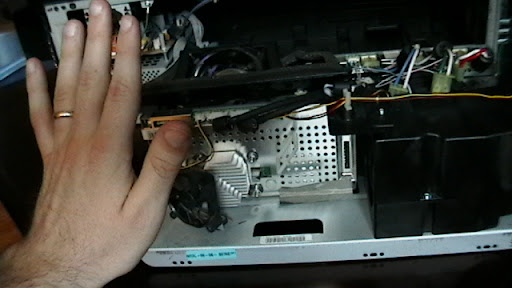
... BYE! light engine!
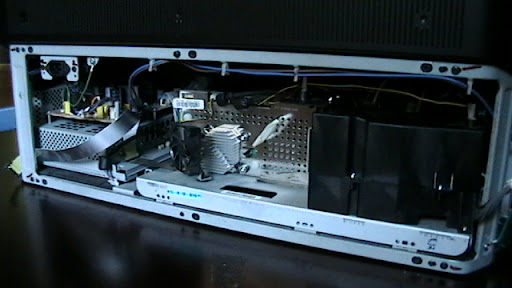
Slowly slide the engine back in place.
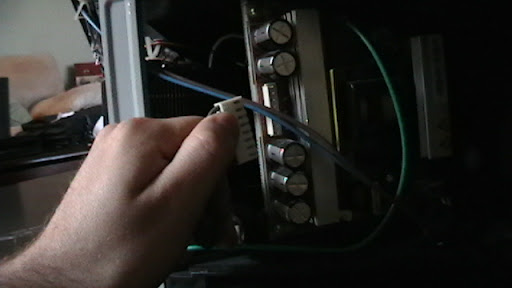
Plug all the leads back in that were disconnected.
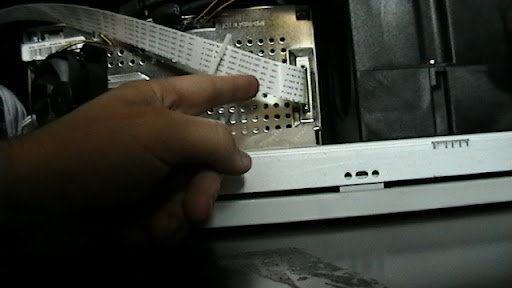
Plug all the leads back in that were disconnected.
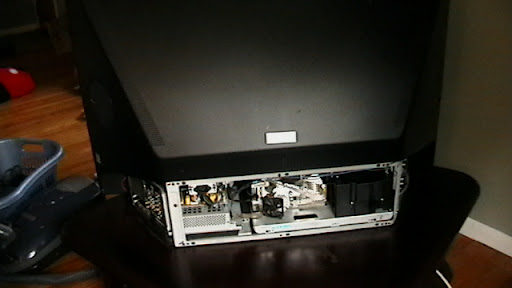
I would test before putting the back plate on.
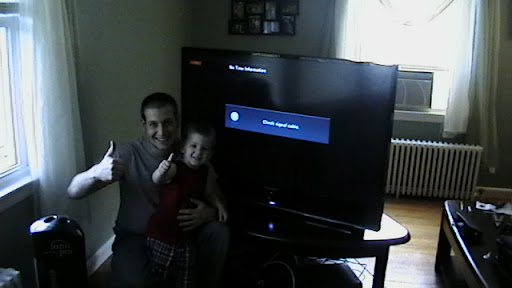
A job well done! w00t!
You should donate to foxhop.net here
 Remarkbox
Comments
I just had the same problem with my 61" samsung. Ordered the led, and replaced it using this excellent guide. Thanks for the help with this. Your pictorial narrative was right on the money! It took me about an hour.
I'm VERY glad to have helped! Thank you for your feedback. : )
Hello. I have a question for you. I have a Samsung HL-T5087S. On Sunday I turned on my TV, it powered on fine, but there is a green tint to my screen. I have encountered forums where users talk about a red or blue tint. I am curious, does this mean that I need to replace the green LED display? I have found the part at samsungparts.com, but I want to make sure that if I take apart my TV, that I have the correct component.
Also, what was the level of difficulty in doing this? I have assembled a PC before from scratch, how does this compare? Thank you for any feedback or assistance.
@snevets, if your display appears with a green tint then the green LED seems fine.
The absence of red causes the green tint.
When the red LED fails the display has a green tint because of the lack of red color spectrum.
Replacing the red LED on this television is comparable to replacing the CPU on a computer.
This repair took me a little less than 1 hour to complete.
This includes the time I took to document the repairs with photographs.
I have had around 5 users complete this repair using my guide, and no failures!
Good luck!
So I should order the Red LED and not the green?
@snevets,
Correct, your green LED appears functional. Either your red or blue LED faulty.
I'm confident that your TV's red LED has failed based on your description.
You can now claim to be 6 for 6. Great instructions. Not that difficult. Took less than an hour. Thanks again.
Awesome! Thanks for the update and congratulations on your successful repair!
I have same TV, same problem (missing red color) except also that the screen flickered every two seconds. Same fix. Update the count to 7 for 7. Thanks for the post and level of detail. Piece of cake. Worst part was having to hit up 2 RadioShacks to get the thermal compound. Thanks again!
Same deal -- 4 yer old set and my son and I watching when identical problem occurred! Ordered the parts , followed your excellent instructions and repaired in time for the college game this last Saturday. THANK YOU so much for this post.
@oligodoc
You are very welcome! I'm sure in the future if you do a task, you will document it for others to learn from too.
: P
Congrats on the repair
Fantastic walk-through - add another success to your board! Thanks!
@mrf
: ) thanks! I do what I can!
i have the sames TV. It powers up, but no picture, only flashing lights on the bottom front of TV. It starts trying to power up the LED and a single green on the right a few times, then all 3 blink a few times including the red light. I have a feeling it's the LED engine. have you heard of these symptoms for only a LED itself. I recently had to replace the fan on back of the red LED before this happened. If anyone has any info, i would greatly appreciate.
I have a HL-T5687S LED DLP TV. Suddenly one evening, everyone turned green. The flag is now black, white and blue. I am 90% confident it is the red LED. But, where do I find the part number for the LED for this set and where can you then buy them? TIA for any info.
Hi, I will be attempting this fix today or tomorrow but I'm pretty inexperienced with electronics. Where specifically do I apply the thermal paste? I'm assuming I put it where the LED and heat sink make contact. Thank you!
8 for 8, Thanks for the great instructions!
@lolomite Congrats on the repair!
You should donate to foxhop.net
here <https://www.paypal.com/cgi-bin/webscr?cmd=_s-xclick&hosted_button_id=7HQMTG3JFPBNN>_First of all, let me thank you for leaving such an informative post - this is what I have been searching for! But before I blow $100+ on a chip, I would like to make sure that it definitely bad. If I put my fluke in diode test mode across the the two large pins of red led, disconnected from circuit, I get infinite reading both ways. Green led reads infinite in one direction and 1.24 the other way. I must assume that the red diode is bad - correct? Thanks in advance - will keep you posted.
What an amazing fix-it video - hope I can find it again when I have a problem.
I am having the same issue with my TV. I took it to a repair shop ($25.00 to look at it) before I found this post. He told me the problem is the red led and the power supply. I don't want to pay $350 for parts and labor to fix my TV. Based on your directions I am pretty confident my brother-in-law and I can replace the red led. How hard is it to replace the power supply?
Ok - another one fixed, you are 9 for 9. It was easy to do and I found the LED on Ebay for $95.00. Thankd for the guide!
@sam2275 I have not replaced the power supply. Sorry. Anyone else want to chime in?
@zorb847 Congrats on the repair.
Where can I buy a replacement LED, the RED one.
Ok my tv has a green tint but when say someone wearing a red shirt comes on it is real bright so would mine b the same issue?
I also have the Green tint but red shows up pretty good, I ordered the red led anyway , do you think this will fix it still if red shows up or do i need the blue one and if so what part number is that?
Not sure what the count is; but chalk me up as another successful repair. Perfect walkthrough! A thought to add: have a vaccuum handy; misght be dusty in there!
Congrats @sstrath
I agree with the vacuum. I clean everything I could when I did this repair.
I replaced the red light. Now my tv has the red back, but its very blotche green. And the ideal screen is green.
Thank you so much for this guide - when our tv went blue/green and I started looking on the net it was evident I had the red LED issue. Followed your instructions above to the letter and I'm happy to say the tv is now working perfectly again! Took just under an hour to do, and this was my first attempt at tv repair. Thanks again!!!
I would suggest a slight revision for re-assembly of the LED and the heat sink: Don't attempt to adhere them together via the heat sink compound. This just makes a mess and increases the possibility of fogging the LED light with smeared compound. Rather, I would suggest that you connect the wires to the LED FIRST. Then, assemble the LED onto the two little posts onto which it mounts. Yes, there is a clocking position that must be observed. Only then would I apply the compound to the LED and THEN screw the heat sink back onto the mounting surface; the mating of the heat sink to the LED is a secondary occurance of re-mounting the heat sink. It happens as soon as you re-mount the heat sink, so there is really no need for the separate step of "gluing" the two items together, as outlined above.
@les apt
Absolutely correct. This is absolutely how I did it.
We bought a Samsung LED television five years ago and it suddenly lost the Blue LED. A qualified repair man just told me the blue LED is no longer available so therefore our five year old TV is "un-repairable". WOW! He says he tried to get the part but no one has them. Is there anyone here who can confirm his claim? Thanks in advance! Christine
Christine, the part number for the blue is BP07-00031A. Search online. It's still available.
i have the 61" dlp led and when i first turn it on after being off for a day every thing is OK. ill leave it on for APX 1 hr. turn it off then on again and every thing is blue?
im a little bit confused the tint on my tv is red. do i have to order a blue or green led? or isit just one part? thank you
Basically your TV will tint a certain color when there is a lack of another color. In my case the TV "tinted" to a green/blue so I knew there was a lack of red. In your case the lack of green or blue color is causing a red tint.
I would suggest taking the TV apart to determine which LED (red, green, or blue) is causing the issue. Then you can do some research for the part number is price on the Internet.
thanks for the instructions. Tried fixing my blue led display today. Chip went in fine. Think I tugged on the side piece to hard at the beginning. that part is loose and now I can't even get a picture. Think it would have worked too. Dam shame.
I just fixed my broken red LED in my Samsung tv today, thanks for making it so easy here, great pictorials! My picture was flickering AND only showing blue and green and was a little concerned about the flicker part...but no problem, the picture looks great and no flicker!! Thanks again.
@dishman You are very welcome! It is nice to see that my documentation has been used several times over the years!
Hi I followed your advice to the letter. When we tested the repair before I put the cover on, it worked perfectly and we were so excited. when i put the cover on and buttoned everything up and turned it back on it was green again. I'm so dissappointed. Do you have any idea of what could be knocking the red chip out?
I'm back again. I successfully replaced the Red LED chip two years ago. Now, the color is off on my TV again. Does anyone know the lifespan of these chips? Also, I can see red in things on TV (NBC logo for example). I am guessing that it's either the Blue or Green chip this time. Anyone care to take a guess?
sir Foxhop, it's only been 6 months and the Samsung Smart LED TV i bought is acting weird. only 3 or so minutes after turning on the TV, the entire screen turns a solid green,red,blue,white,black and just cycles like that while the audio is just normal. I had to just turn off the tv to prevent myself from throwing the remote on the screen. What could have caused this and is my Tv salvageable. i would really appreciate it if you could reply. thanks for a very helpful thread.. - Kristin
@kristin sorry this guide and my repair experience is with the rear projection and DLP televisions. The Smart LED TV seems to be a flat wall mount style LCD television and has completely different components and issues. Sorry I cannot be of more help.
I have a HL-T5087S DLP and I do not have an issue with color. When I turn the tv on I get a Mosiac pattern. I can change channels and I get sound. If I turn the tv off and on two or three times the picture comes in and plays great. I did a test for the DMD board and it checked ok. I suspect the main board more than the DMD board. The main board is difficult to find. Can I use the main board from HL-T5687S?