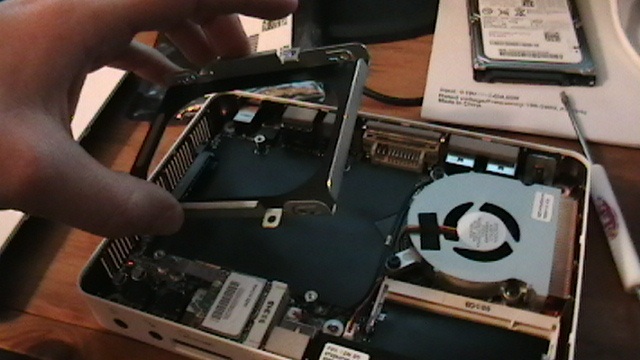
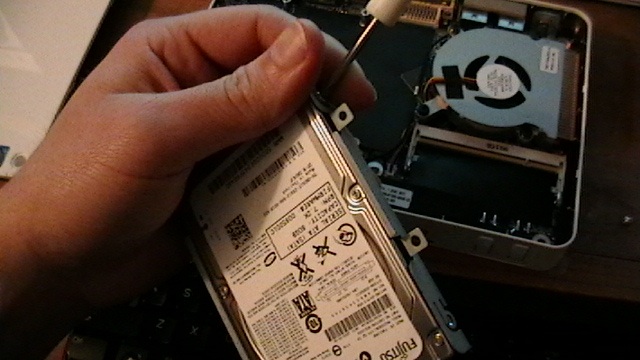
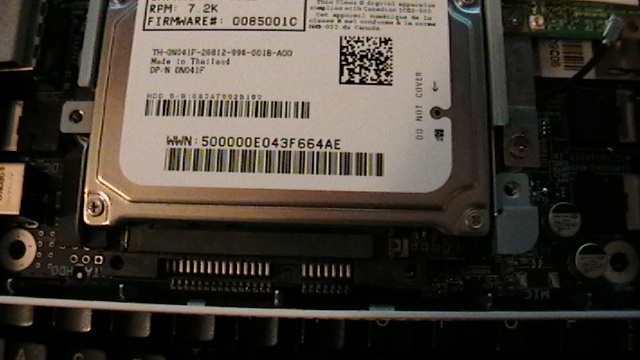
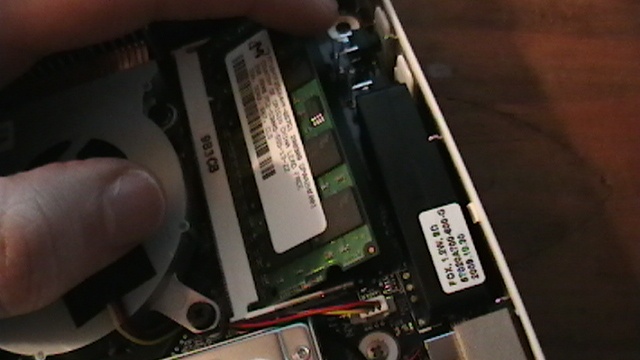
Boot to flash drive and install ubuntu to local harddrive.
Miscellaneous Thoughts
This section documents some other things I encountered and thought
about when configuring the nT330i.
How to enable HD video
I had to manually install nvidia-185 driver from Synaptic.
System > Administration > Synaptic
Search for nvidia and install it and any dependent packages.
Once the driver is installed click:
System > Administration > Hardware Drivers
Run a scan and enable 3d support.
Trick for full
screen flash, youtube, and hulu.
I found that the video quality was poor when I full screened hulu. I
could almost see the video scanning.
After wasting time with different flash versions I found an trick.
Instead of using full screen I used compiz enhanced zoom.
The compiz enhanced zoom cleans the image up really well and gets rid
of the scanning / strobing. Give it a shot!
Hold down the super key and click down the middle mouse button
(scroll wheel) and drag a square on the screen you would like to be
zoomed into. When you are finished you may hold the super key again and
use the wheel to scroll back to normal size.
You can hold super and 'r' to zoom a window too, great for when I
play starcraft in wine window mode.
Pleasant surprises
VERY small computer. Very thin. Smaller then most personal
routers.
Structure "feels" strong and expensive. The engineering is
amazing.
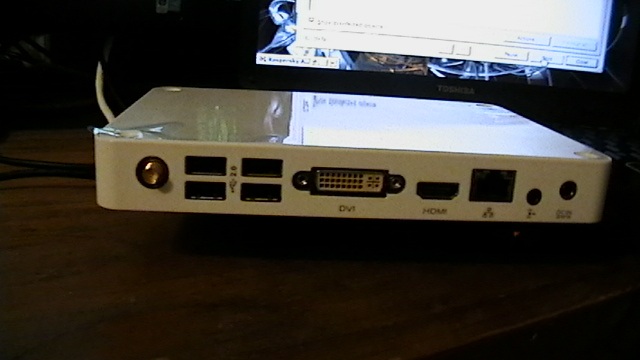
6 USB 2.0 ports.
Wifi or rj45 connections.
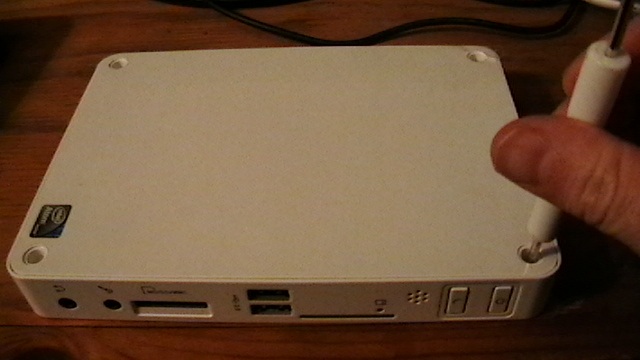
Memory card drive on front, MS/SD/MMC
Dual Core and hyper threading! (looks like 4 cores)
Hdmi OUT! (Audio and Video sent to the TV over one wire!)
The video card 3d graphics are amazing for a little unit. (Compiz
Cube, lots of eye candy turned on!)
Power Consumption
The nT330i is a green computer, don't feel guilty leaving it on!
I used the kilowatt meter to find the following energy
consumptions:
IDLE approx 15watts
LOAD approx 30watts
nT330i Hardware Drivers
If you are having trouble finding the official drivers for nT330i
please refer to the Foxconn Driver Page.
Current status
I get 1080p resolution out to the television but I'm having overscan
trouble. Not sure if this is a TV issue or the computer. Some people
have resolved this issue using a custom X11/xorg.conf mode and scan
resolution.
I'll write more if I figure it out. Either way I'm happy because I
full screen the video most of the time anyways
Is the SD reader an option in the boot configuration? Could you
install to a large SDHC card and have a small, cheap, silent solid state
hard drive ?! Or you could install an operating system from the sd card?
Is there an option for booting from SD cards in the boot section of the
Bios?
That is a good question. I will have to test and see. I do have a few
memory cards laying around, wouldn't hurt to give it a try. Check out my
freeNAS-msi-wind </freeNAS-msi-wind>_ article. I used
the memory card for the operating system! By the way I'm planning on
adding page and user comments to pylowiki eventully.
I have the nearly the same configuration, but I have a Show-Stopper
at the Installation of Ubuntu on the Foxconn. I try to install it from
an USB Flash Memort Stick, but I can not succeed to start/install
Ubuntu. Using 2GB internal memory and a 500GB Hard Disk (which is found
by Foxconn Hardware) I am unable to start Ubuntu. 1. Installation of
Ubuntu 10.10 Server leaves me with a blank screen without any
notifications. 2. Installation of Ubuntu 10.10 Desktop Client stops
after showing the Message: "NET: registered protocol family 1" I do
understand you are not running a help desk, but maybe you can give me
clue. Thx
I used the tool from pendrive linux (Ubuntu 10.10 desktop adm64 ISO)
to create a USB key, a standard SD card and an SDHC and have had no luck
in getting the machine to boot from anything but the USB.
I've looked into a sata sled to hold a CF card but the price isnt
nearly as nice and easy as simply plugging in an SD. :(